

Offices & coworking
Office screens your team actually looks at.
Welcome guests, share goals and wins, and announce events, on a private board only your people can join. Post from your phone, the web or by email.
₹5,000 once per screen · Free plan · No monthly fee

Everyonewho walks past the screen sees it, with no inbox needed
Email is where notices go to die.
All-hands emails go unread. Posters in the pantry curl at the edges. The people who most need a notice are the least likely to open it.
A screen in reception or the pantry reaches everyone who walks past, and on a private board it shows only what you choose.
What offices put on screen
Notices people see without opening anything.
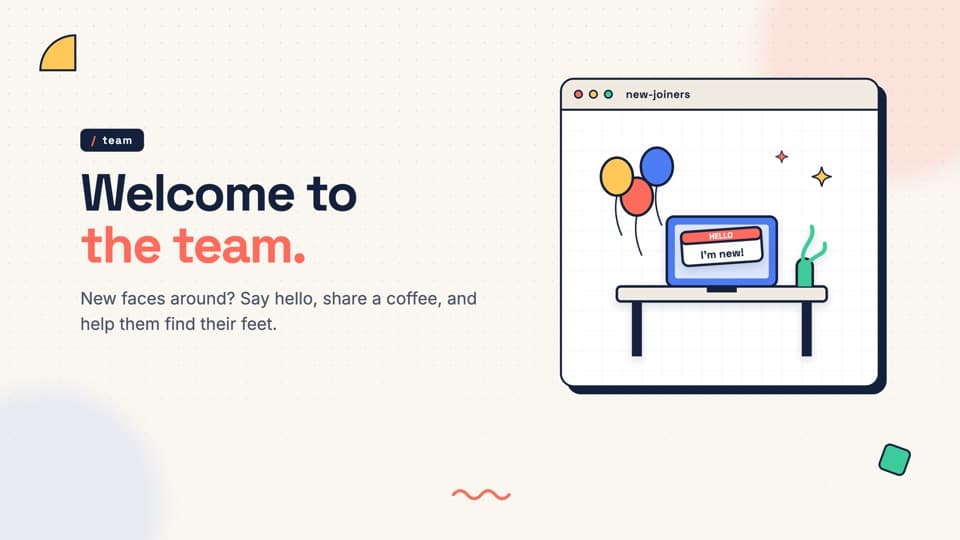
Welcome guests and new joiners
A welcome in reception for visitors and new colleagues.
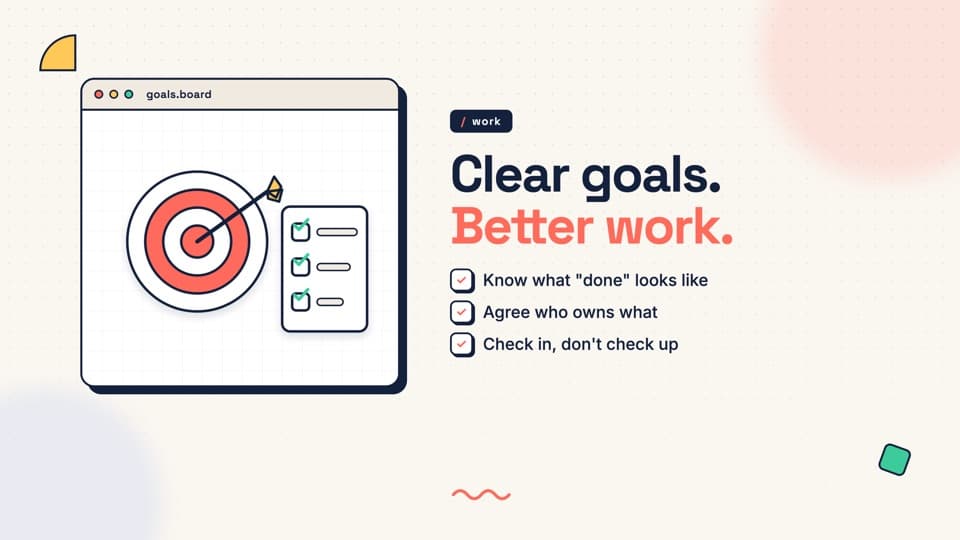
Goals and targets
Post a PDF report and it plays page by page.
Wins and shout-outs
Celebrate the deal, the launch, the long week.
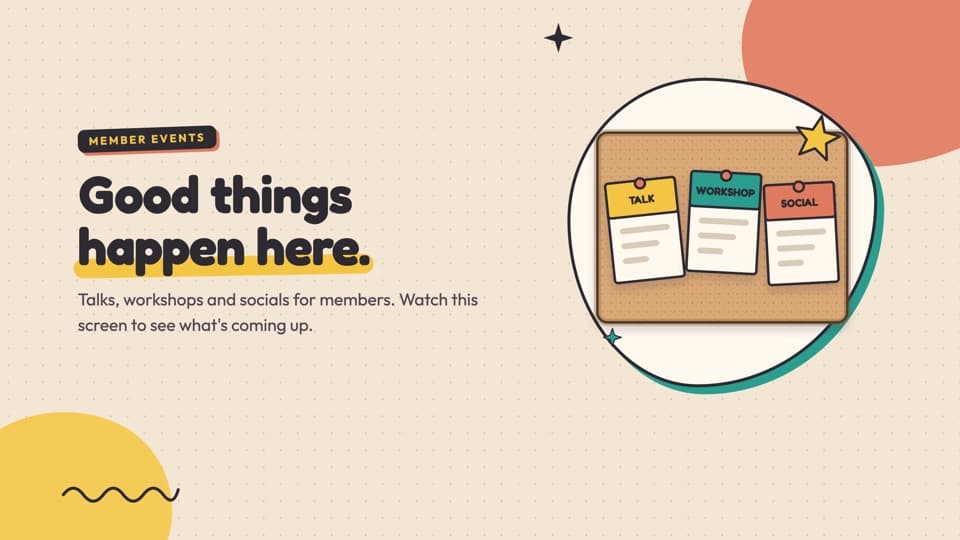
Events
Talks, workshops and socials for your team or members.
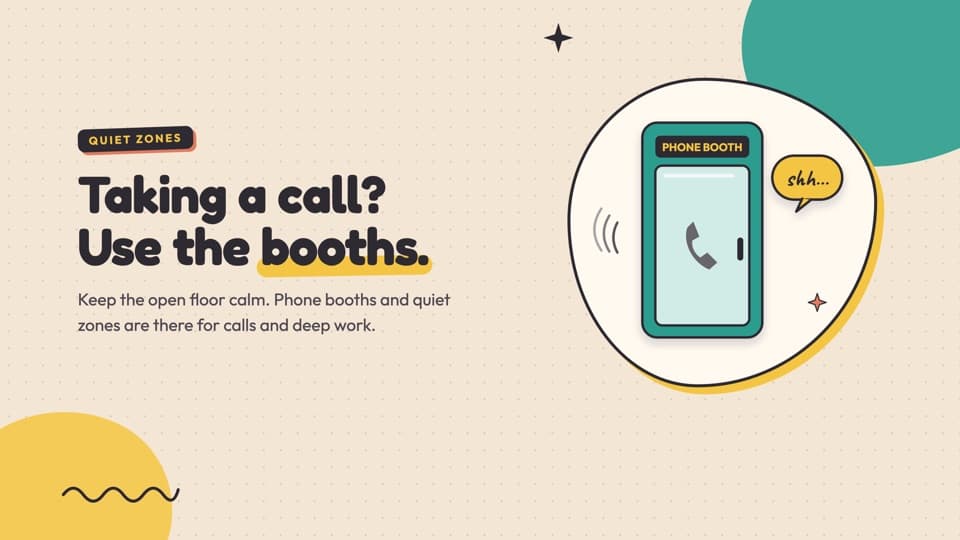
Space notices
Meeting rooms, phone booths and house rules.

Recognition
Birthdays, anniversaries and thank-yous.
Why SLX On Air
Built for internal communication.
Private boards: for your people only
A private board has no location and never appears in search. Staff or members join only with your approval, and you decide who can post.
A coworking space can run a public board for members and visitors, and a private one for its own team.
Email to Post PRO: no app needed
HR or the admin team emails a poster or PDF to the board’s address, and it goes on screen. Nobody needs to install anything.
Showtime: clean and professional
Professional mode keeps the screen clean and direct, like your front desk. Nothing flashes unless you choose a mode that does.
A real SLX On Air screen in Professional mode.
How it works
In reception and live in five minutes.
01
Plug it inConnect the SLX Smart Box to any TV with HDMI. Ethernet or Wi-Fi.02
Post from your phoneOr the web console, or email a poster to your board (Pro).03
It’s liveEvery screen updates in seconds, and keeps playing if the internet drops.
Pricing
Buy the box once. No monthly fee.
Free
₹0 forever
Your content, plus SLX On Air ads.
Mid
₹6,000 per screen, 365 days
Ad-free, 4 themes, 2 playlists.
Pro
₹10,500 per screen, 365 days
Everything in Mid, plus Proof of Play, Email to Post, branding and scheduling.
Every screen needs an SLX Smart Box: ₹5,000, once. Prices exclude GST. 21-day trial: return it for a full refund.
Questions offices ask
Can only our employees see what we post?
Can HR post without installing the app?
We have several floors or offices. Can each show different things?
Can we show reports and dashboards?
Who can post?
What if the office network drops?
Your reception screen is already there. Give it something to say.
Set up in under five minutes. Free plan included.