

Screen guide
Which screen should you use?
Any TV or monitor with an HDMI port works with the SLX Smart Box. Pick one that looks great and lasts, based on your space and how long it runs each day.
Match size to viewing distance
The further away people stand, the bigger the screen.
| Viewing distance | Screen size | Typical spaces |
|---|---|---|
| Up to 3 m (≈10 ft) | 32"–43" | Counters, small rooms |
| 3–6 m (≈10–20 ft) | 43"–55" | Waiting rooms, cafés |
| 6–9 m (≈20–30 ft) | 55"–65" | Lobbies, open floors |
| 9 m+ (≈30 ft+) | 65"+ | Large halls, atriums |
A 55" screen reads comfortably from about 6 m (20 ft).
How long will it run each day?
This matters more than any other spec.
A few hours a day
A good consumer TV is fine, say for a screen that’s on only during opening hours.
8+ hours, or all day
Use a commercial (professional) panel rated for 16/7 or 24/7. Consumer TVs aren’t built for continuous use: they can show image retention, and their warranties often exclude commercial use.
When buying, look for a stated duty cycle (16/7 or 24/7) and a commercial warranty.
Brightness for the light in the room
Measured in nits. The brighter the room, the more nits you need.
| Lighting | Example | Aim for |
|---|---|---|
| Shaded indoors | Waiting room, café interior | 250–350 nits |
| Bright indoors | Near large windows, glass fronts | 500–700 nits |
| Facing daylight | Storefront window facing the street | 1500–2500+ nits |
By where it goes
A starting point for common spaces.
Café & restaurant counter
32"–43"
Close-up viewing. A consumer TV for opening hours only; commercial if it’s on all day.
Clinic & waiting room
43"–55"
On all day, viewed from seats a few metres back. A commercial panel, with a calm, readable layout.
Lobby & reception
55"–65"
Seen from across the room. A larger commercial display, usually landscape.
Retail window
43"–55", high-bright
Competing with daylight: a high-brightness commercial or window display, often mounted portrait.
Gym & studio
43"–55"
Long hours in bright rooms. A commercial panel, mounted high and out of the way.
Coworking & community
55"+
A shared board people gather around. A larger, commercial-grade screen.
What every screen needs
An HDMI input
The Smart Box connects over HDMI. Almost every TV and monitor has one.
Power nearby
A socket within reach of the screen and Smart Box.
Wi-Fi in range
For content updates. Wired Ethernet works too.
A mount or stand
Wall mount, floor stand or shelf, in landscape or portrait.
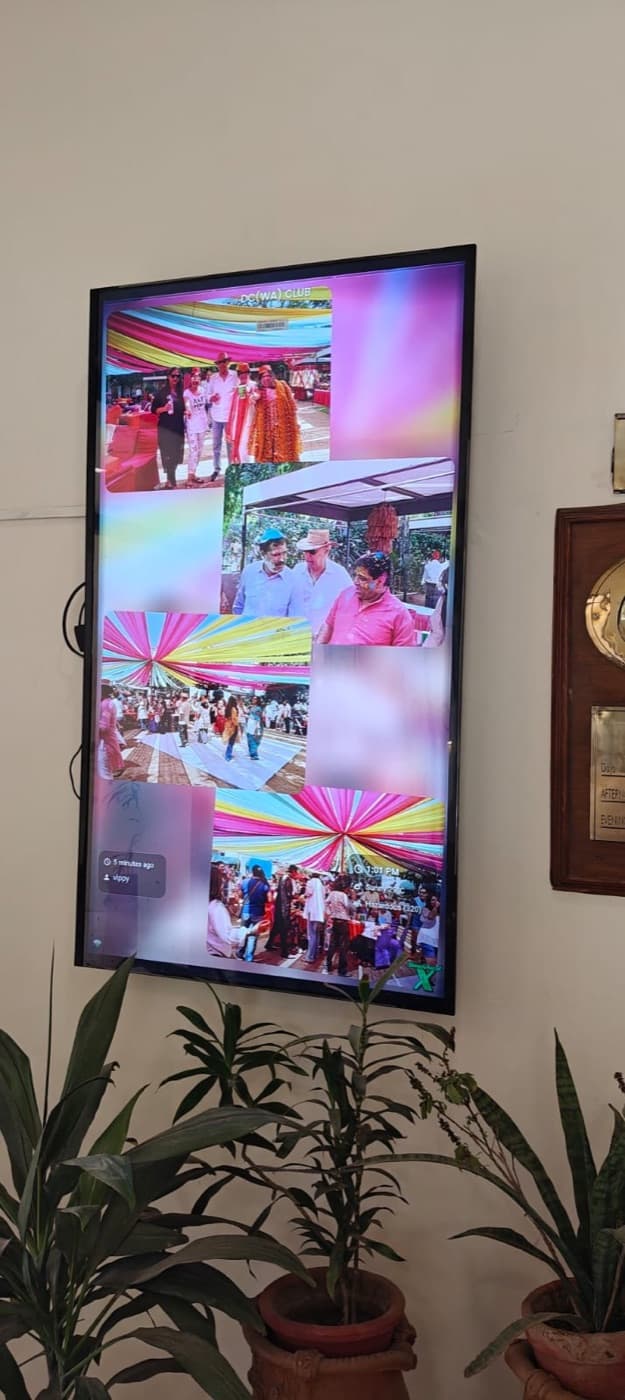
Screens already running
The same Smart Box behind a floor stand and a wall-mounted panel.

Bring your screen. We'll bring the Smart Box.
Not sure what fits your space? Tell us, and we’ll help you choose.