

Schools
A screen that teaches between the bells.
Turn the TVs at your main entrance, in corridors and in the staff room into screens you run from a phone. Learning content plays on its own through the day, and your notices reach every screen in seconds.
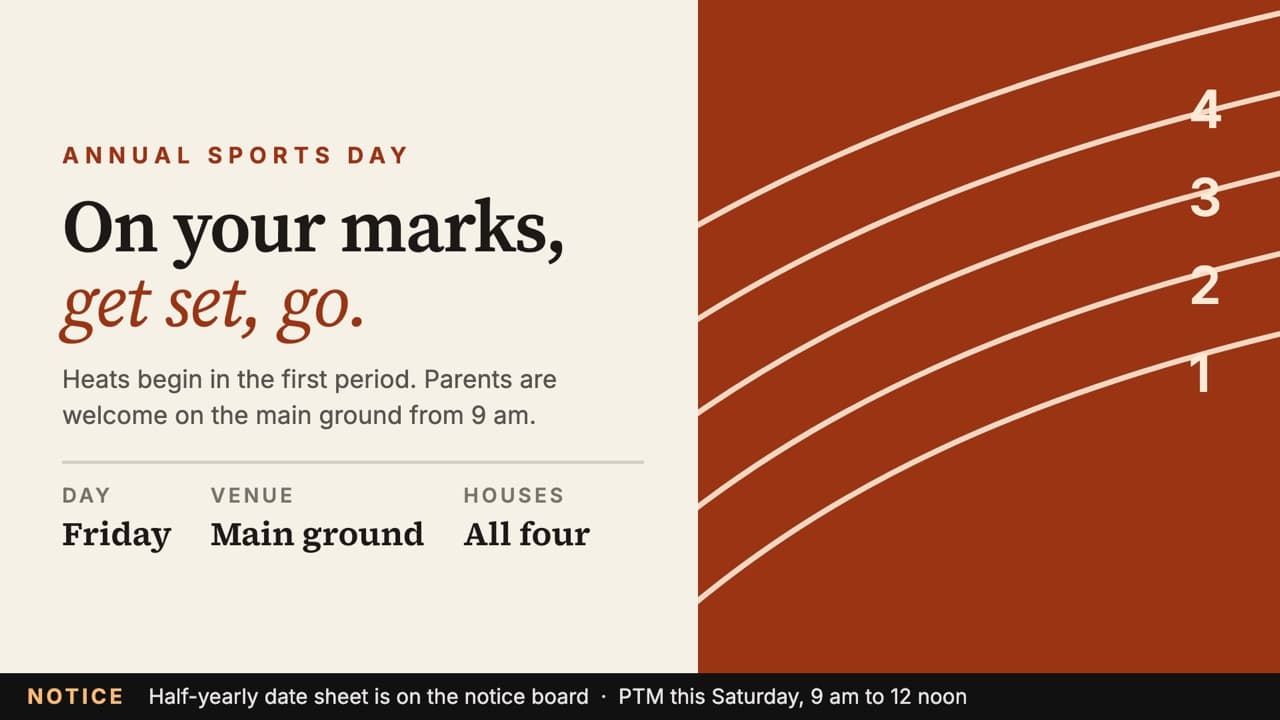
Circulars get lost. Notice boards go unread.
- Paper circularsend up at the bottom of school bags.
- Pinned noticesfade on the board, and nobody stops to read them.
- The TV in the hallstays switched off most of the day.
With SLX On Air, the same screen carries today’s notices and fills the rest of the day with content worth reading.


One screen, all day: learning between the notices.
What schools put on screen
Notices when they matter. Learning the rest of the day.
Notices and events
Sports day, PTMs, exams and holidays, at the main entrance.
Indian History
Achievements from India’s past, one idea a slide.
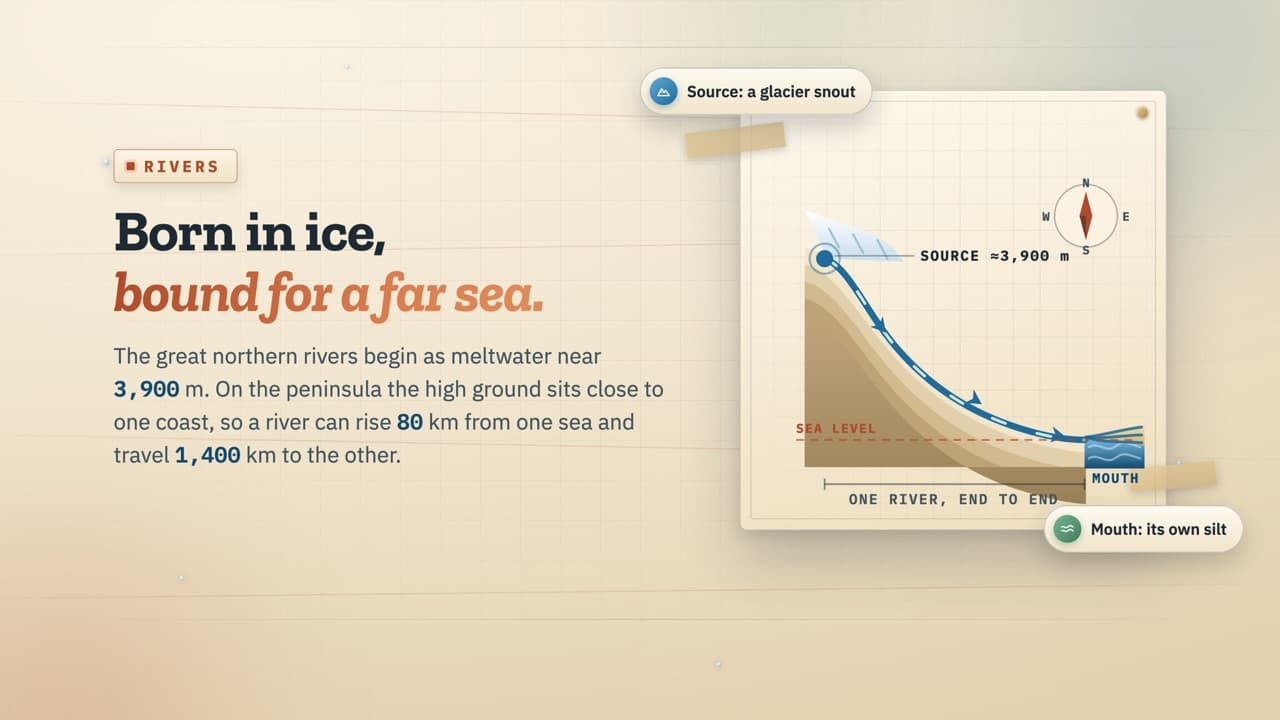
Geography
Rivers, the monsoon and the Ghats, drawn as diagrams.
Word of the Day
Words that travelled between English and Indian languages.
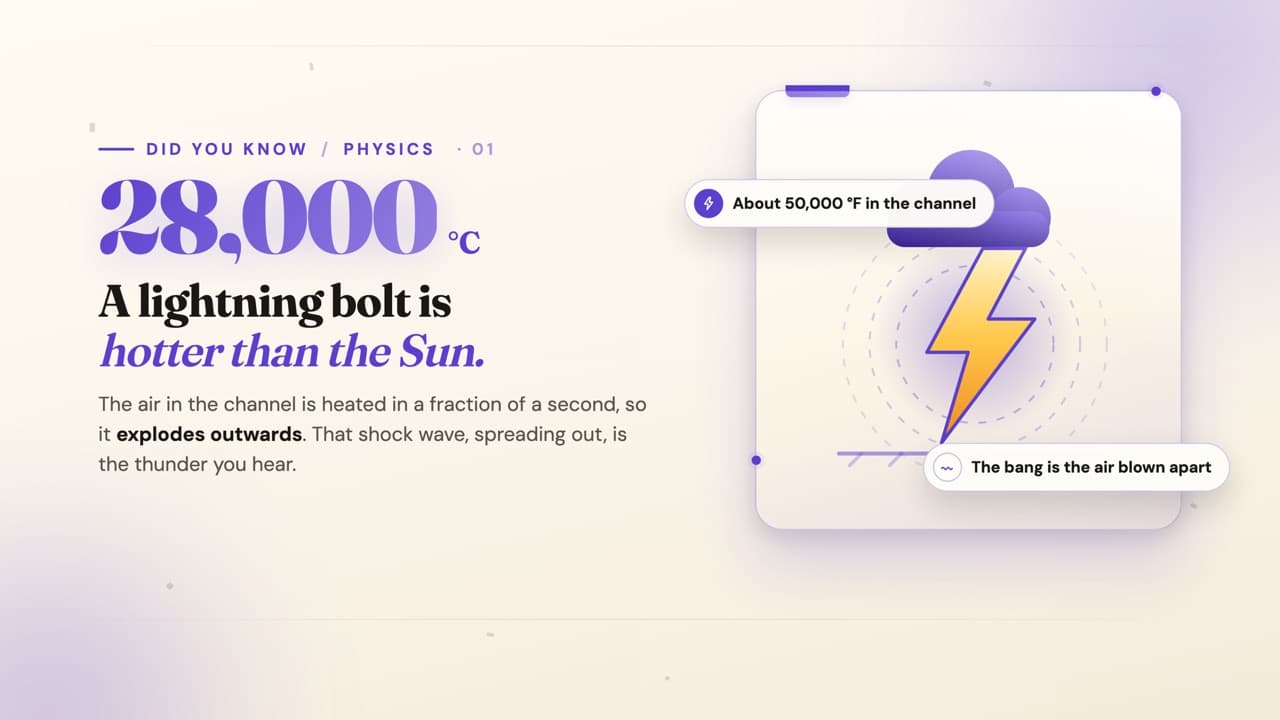
Did You Know, for assembly
A surprising, sourced fact to start the day.

Teaching Craft, for the staff room
Practical, research-backed teaching ideas.
Why SLX On Air
Built for the way a school runs.
Learning content plays by itself, so screens are never blank
SLX Streams PRO are ready-made content channels you switch on per screen:
- For students: Indian History, Word of the Day, Geography, Space and the Night Sky, How Things Work, Puzzles, Did You Know
- For the staff room: Teaching Craft, practical ideas on teaching
- For assembly: a fact a day, civic sense, festivals

Post a notice once from your phone. Every screen in school shows it.
No pen drives, no walking from room to room. Post from the app, the web or by email to the screen, and it appears on every screen you choose. A scrolling ticker carries one-line updates: a date sheet, a bus change, a result.
Staff make polished notices without a designer
Design On Air*, integrated with HeyJojo Design, turns a few lines of text and a photo into a finished notice. Type the notice, add photos and describe the look, and pick from the designs it creates in the app. It comes with 100 free HeyJojo credits to get started; more credits can be bought at any time.
Parents see school news on their phones
Every public post also appears in your neighbourhood’s feed in the SLX On Air app, and parents follow the school by scanning the code on the screen. So the PTM reminder reaches them at home, not just at the gate.
You decide who posts, and who sees what
Each board has an owner and admins. Let only admins post, or members too; approve who joins a private staff or class board, with up to five joining questions; remove any post or member at any time.
How it works
Any TV or LED screen. Live in five minutes.
01
Plug it inConnect the SLX Smart Box to any TV or LED screen with HDMI: one you have, or a new one. Ethernet or Wi-Fi.02
Choose what playsSwitch on Streams for each screen and post your notices from your phone.03
It runs all dayEvery screen updates in seconds, and keeps playing if the internet drops.
Pricing for schools
One box per screen, and the Pro plan.
Recommended for schools
SLX Smart Box + Pro plan
- SLX Streams: learning, assembly and staff-room content
- Design On Air*, integrated with HeyJojo Design: 100 free credits to start
- Post from the app, the web or by email to the screen
- Your school’s logo and colours on screen
- Notices, ticker and private staff or class boards
- No ads on your screens
Bring your own screen
The box plugs into any TV or LED screen with HDMI. Use the ones already on your walls, or add new ones where you want a learning screen.
Also available: Mid plan
₹6,000 per screen for 365 days. Notices and ticker without ads, for screens that don’t need Streams.
Prices exclude GST. Every screen needs an SLX Smart Box. 21-day trial: return it for a full refund. How pricing works
Questions schools ask
Can each screen show something different?
Is the ready-made content suitable for students?
We are a faith-based school. Is there content for that?
Who can post on our screens?
Can parents see notices at home?
Do we need new screens?
What if the school’s internet drops?
Make every corridor a place to learn.
Put a learning screen where students walk past every day. Set up in under five minutes.
* Under development.