Reliability & Support
The Dark Screen Problem: Why Signage Stops Playing — and What It Takes to Keep It On Air
Screens don’t die of bugs; they die of neglect. What we built against that, and a customer who’s run on it for three years without a bad day.
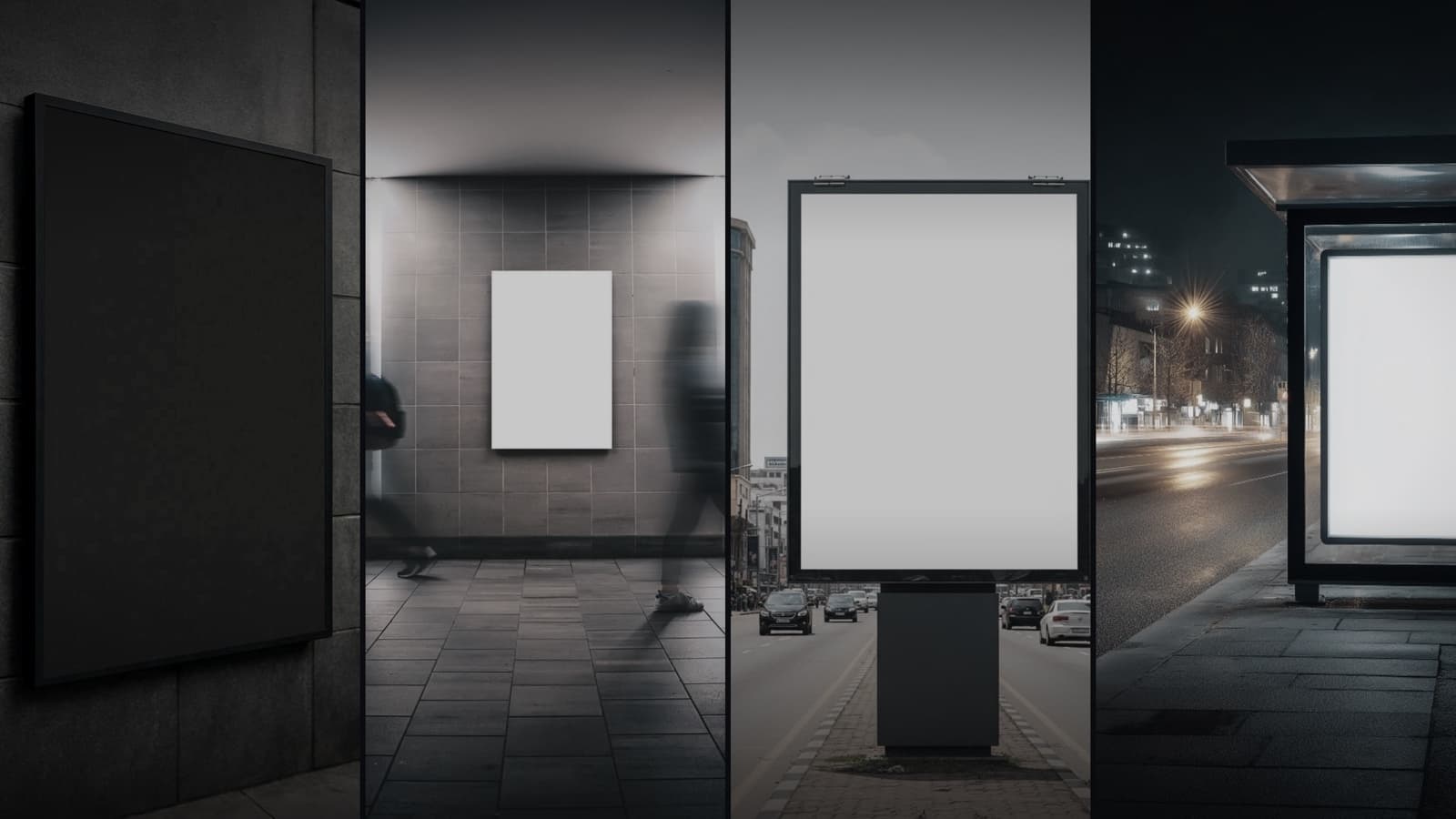
Once you start looking, you see them everywhere.
A dark TV above a clinic reception desk. A hotel lobby screen showing a blue “No Signal” box. A showroom display stuck on the TV’s home menu, advertising Netflix to people waiting for their car.
Someone bought each screen on purpose, drilled the bracket, ran the cable, and for a few weeks had something playing. Then it stopped, and never started again.
The least-discussed fact in digital signage: the hard part was never getting a screen to play. It’s keeping it playing years later.
Why screens go dark
The failures are boringly consistent.
The pen drive
Someone loads JPEGs onto a USB stick and plugs it into the TV. It works until the offer changes and nobody remakes the file. It goes stale, then someone unplugs it.
The TV manufacturer's built-in app
Every smart TV ships with a “hotel mode” signage feature that is nobody’s main product. A firmware update wipes its settings, or the model loses support and the app dies. No one to call.
The cheap software that rotted
The most common failure, and the most expensive. The app worked for three months, then crashed after a power cut, froze on a black frame or looped January’s content. Staff restarted it a few times, then stopped touching it.
The support that ended at the sale
None of the above is unfixable. It turns fatal when nobody answers the phone.
A signage product isn’t what it does on installation day. It’s what happens on day 400, when something goes wrong and you need someone to care.
Three years, two screens, and nothing to report
Our first customer is still running.
The Defence Colony (WA) Club in New Delhi put up its first SLX On Air screen in April 2023. It has run ever since, with two screens now in constant service.
In more than three years: no software failure that took a screen down, and no hardware replacement.
Their only trouble was their own internet going down, and even then the screens kept playing from the local copy and caught up on their own. Nobody rebooted anything. That is the complete incident log.
“A club runs on notices — events, tournaments, dining specials. Ours are on the screens now, and I change them from my phone. We put the first screen up in April 2023 and it has simply run; the only time it ever gave us trouble was when our own internet line went down, and even then the screens kept playing. We have two screens now. In three years the screens have never let us down.”
Vasant Vihar Club has run SLX On Air for more than two years too. Two clubs, five years of service, one incident between them: an internet line, not us.
The best thing a screen can do is be unremarkable for three years.
What we built so screens don't go dark
Each of these targets a specific way screens die.
A guardian that never sleeps
Every SLX Smart Box runs an independent supervisor beneath the playback software that restarts the player if anything goes wrong. “Crashed and nobody noticed” fixes itself, usually before anyone looks up.
Offline is a normal state, not an emergency
The box caches your content and plays for 24+ hours with no internet. Router reboot, ISP outage, the wrong plug pulled: it re-syncs on its own when the connection returns.
It boots straight to your content
Power cut at 3am? The box comes straight back to your content, with no desktop, menus or remote, and nothing for staff to “start”. It even survives a factory reset.
It updates itself, carefully
New versions roll out over the air in staged, monitored batches and install in the background. Your software stays current for five years from purchase.
Nothing to maintain, on your side
No PC, server, antivirus, annual license or IT contract. The screen and the box are the whole installation.
The part nobody asks about until it's too late: after-sales support
Everything above is engineering, and engineering fails eventually. Whether a screen still works in year four is decided in the hours after, so that’s where we’ve put most of our attention.
We watch every screen, all the time
Fleet telemetry watches playback, connectivity and device condition on every display, 24×7. We usually know something’s wrong before you do, and when you call we already know whether the screen is online, playing, and on which version.
Instant answers, at 11pm, in your own words
The AI assistant on every page of our website answers how to schedule a post, why a video looks cropped or how to add an admin, at any hour.
A person right behind it, on WhatsApp
For anything the assistant can’t close, you reach a person on the WhatsApp number you already have, not a ticket portal. Our commitment: a serious issue gets our engineers the same day and is resolved within hours.
We can fix most things without visiting you
Our team can restart the player, reboot, refresh content, clear cache or take a screenshot remotely, so problems close in hours, not on the next site visit. That’s deliberately all we can do: the box refuses anything else. Our Security page shows exactly where that line is drawn.
And every screen gets the same watch
Five clubs across Delhi-NCR run on SLX On Air, alongside hospitals, cafés, clinics, coworking spaces and places of worship. The oldest and the newest are watched the same way.
A screen that's easy to update is a screen that stays on
There’s a quieter reason signage goes dark, and it isn’t technical: if updating the screen is a chore, nobody does it, and a screen showing last season’s offer gets switched off out of embarrassment.
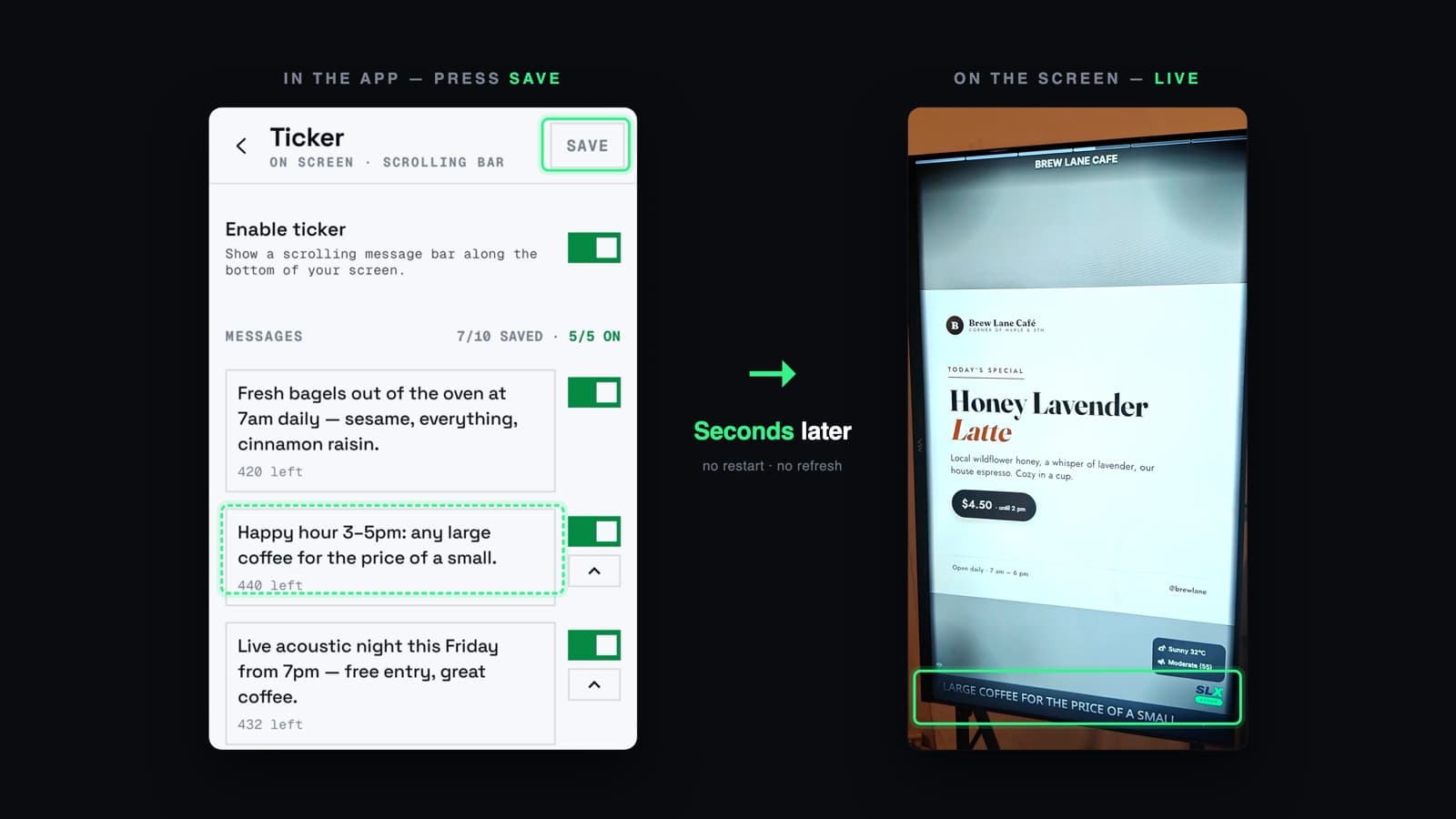
- Post from your phone, live in seconds. Change a price, swap a poster, put up today’s special, press save and watch the wall. No restart, no waiting overnight.
- Schedule it and forget it. Set a go-live time and an expiry: the breakfast offer appears at 7am and disappears at 11.
- Reorder with a drag. Move the new arrival to the front of the loop in two seconds.
- Bring whatever you have. Photos, video, PDFs, audio. PDFs become slides, videos get levelled volume, images are optimised. No design software, no black bars.
- Run it from anywhere. Phone on the way to work, web console at your desk. One person can run five locations without leaving their chair.
Before you buy any screen system, ask these eight questions
Whether you choose us or not, this is the list we’d use.
- 01What happens when the internet goes down?
- 02What happens after a power cut, at 3am, with nobody in the building?
- 03If the player app crashes, what restarts it?
- 04How do you know my screen has stopped playing — do I have to tell you?
- 05Can you fix it without coming to my site, and how long does that take?
- 06How long is this software updated for, and who pays for updates?
- 07How long does it take me to change what's on the screen, right now?
- 08Show me a customer who has been running this for three years or more.
That last one is the whole test. Anyone can demo a screen. Ask who’s still playing.
The commitments, in plain terms
- 5 years of software updates, over the air, included.
- 1-year hardware warranty on the SLX Smart Box.
- Prepaid day credits — no monthly lock-in for a screen you might pause.
- 21-day return window from delivery, if it isn’t for you.
- A one-time SLX Smart Box, then day credits. See current pricing.
Already have a dark screen on your wall?
You’ve done the expensive part: bracket, cable and panel all work. What failed was the software and the support behind it.
An SLX Smart Box plugs into the HDMI port that’s already there. You’ll be playing content in under five minutes, run from your phone and watched over by us.
Send us a photo of the dead screen and we’ll tell you honestly whether we can bring it back.
WhatsApp +91 99102 77891 or +91 79767 06738.